5 Excel Alternatives for Business Analytics in 2025
Excel is a bottleneck for growing teams. Here are modern alternatives from traditional BI tools to Gen-AI powered analytics that can replace your spreadsheet workflows.
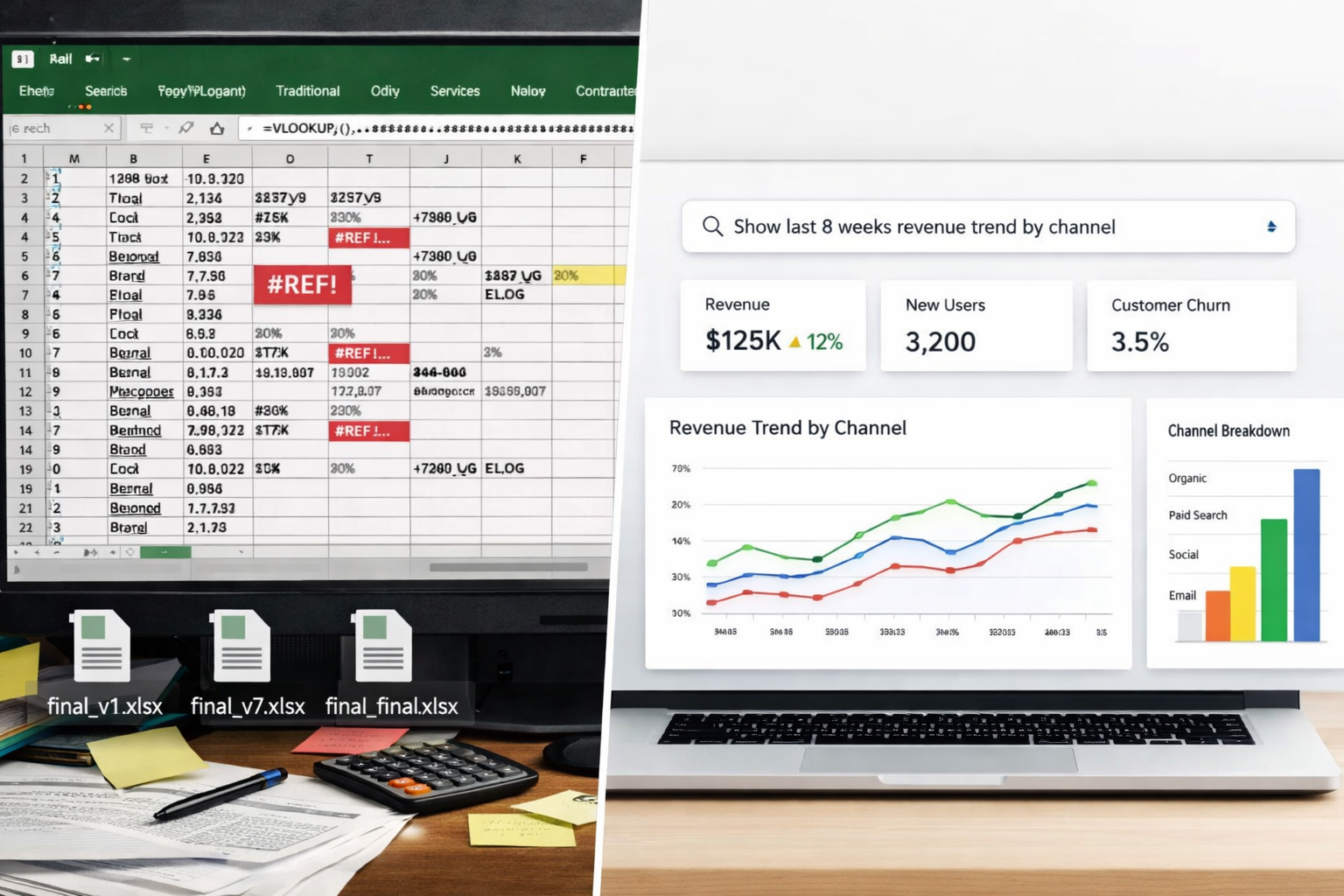
Excel is a bottleneck for growing teams. Here are modern alternatives from traditional BI tools to Gen-AI powered analytics that can replace your spreadsheet workflows.
Stay updated
Get notified when we publish new research on AI memory and agents.
For years, Excel has been the default tool for doing any sort of analytics.
As teams grow and data multiplies, Excel quietly turns into a bottleneck:
Today, modern analytics tools, especially the Gen-AI powered ones, make this entire workflow obsolete.
Instead of wrestling with spreadsheets, teams can simply ask questions and get their analysis done in minutes and in their format of choice.
This article breaks down why Excel was the go-to tool for the past few decades, and how you can move to better workflows for your team with Gen AI based tools.
Excel dominated for very practical reasons. It was already installed on every computer, easy to work with, flexible for most use cases, and familiar to nearly everyone in an office. For small datasets and solo workflows, it's honestly great. You can filter CSVs, run quick analyses, build simple charts, and share files via email.
But analytics today is very different. Teams now deal with millions of rows, multiple data sources, real-time reporting needs, cross-team collaboration, and non-technical stakeholders who need answers without learning formulas.
Excel wasn't designed for this world.
This is where most growing teams hit friction.
Every week: Export → clean → copy → paste → rebuild charts
It's a repetitive and error-prone process.
Reports are outdated the moment they're created.
Decisions are based on yesterday's numbers.
One wrong cell reference can silently break your entire report.
No audit trail. No trust.
final.xlsxfinal_v2.xlsxfinal_v7_latest_really_final.xlsxEveryone has a different number.
Only a few people understand pivots, lookups, formulas, and macros.
They become bottlenecks.
This is the real shift.
For decades, analytics meant:
Learn tools → Write formulas → Build dashboards
Now it means:
Ask questions → get answers
Gen AI removes the technical barrier.
Instead of:
Create a pivot grouped by week with calculated fields
You just ask:
Show me last 8 weeks revenue trend by channel
And in most cases, you get a usable answer in seconds.
It's not perfect. AI can misinterpret questions, struggle with complex multi-step analysis, or need a few follow-ups to get the output right. But the gap is closing, and for 80% of day-to-day reporting, it already works well.
What changes:
Analytics moves from specialist-only to team-wide.
The ability to do analytics shifts from tool-experts to anyone with a question.
If Excel is slowing your team down, here are better options depending on your needs.
Best for: Dedicated analysts or BI teams
Best for: Large organizations with data teams
Best for: Lightweight reporting
Best for: Startups and mid-sized teams with some technical ability
Best for: Early stage company founders, and non-technical teams that want analytics without the hassle
Best for: Individuals and small teams who want AI across all file types, not just data
Best for: Individual analysts who need quick answers from static datasets
Best for: Teams that want AI assistance but prefer a spreadsheet UI
Best for: Large enterprises with budget and data infrastructure
Excel isn't bad. It's just outdated for modern analytics.
If you're spending hours building reports, waiting on analysts or struggling to trust your numbers, then it's time to upgrade.
Modern, Gen-AI powered analytics tools are here to make analytics accessible to everyone.